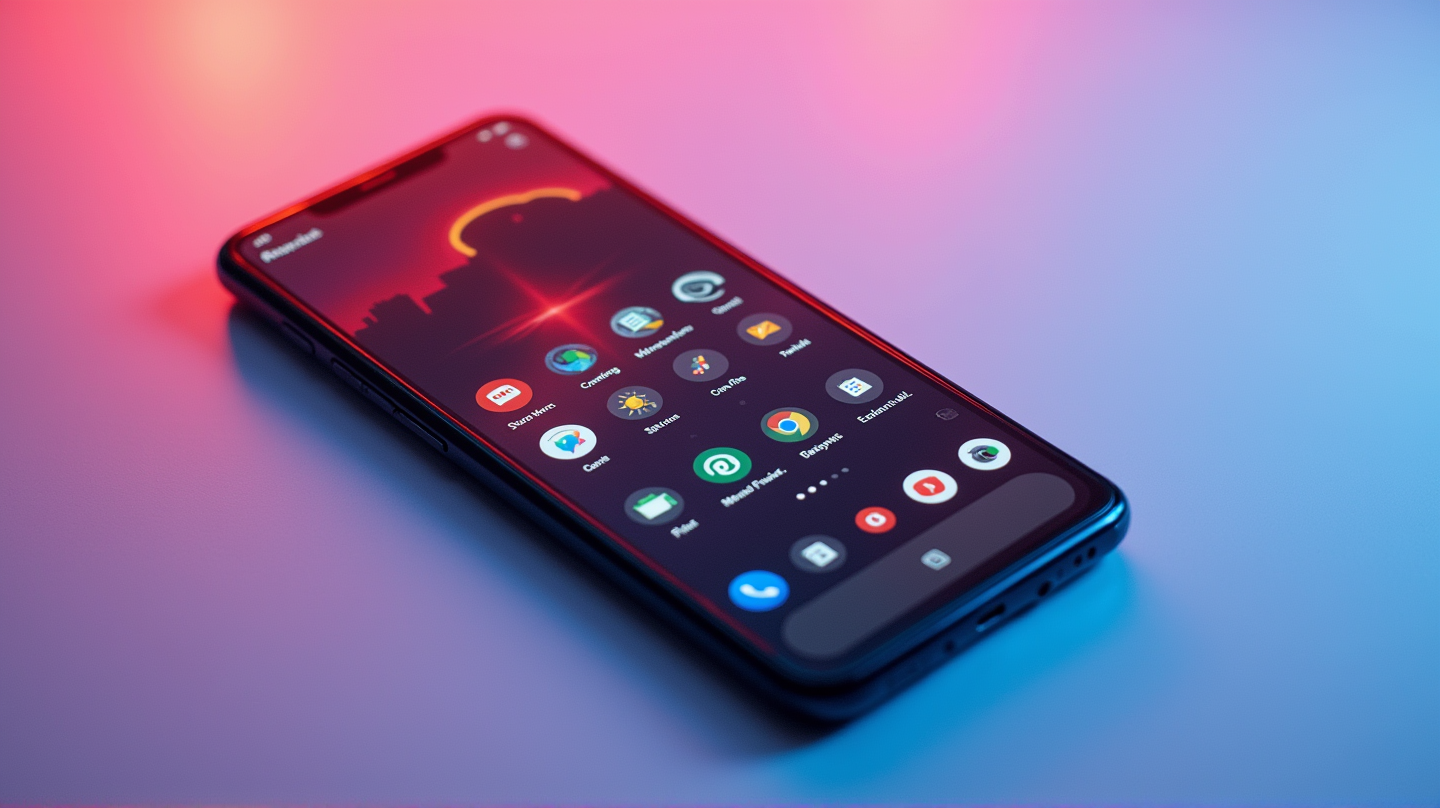
Are you looking to breathe new life into your Android phone without shelling out for a new Google Pixel? You’re not alone. Many tech enthusiasts love Google’s Pixel aesthetic – its simplicity, clean design, and features like widgets that echo your wallpaper’s color palette. But with incremental upgrades every year, why not make your existing device feel new?
A New Look with Lawnchair Launcher
To start your Android transformation, look no further than Lawnchair launcher. This app is an almost perfect mimic of the default Pixel launcher, bringing the At a Glance widget and bottom search pill to your screen. It provides full Material You theming and a vertically-scrolling app drawer for that authentic Pixel feel. With smooth animations and outstanding performance, Lawnchair is a key tool in your transformation journey.
Swap Default Apps for Google’s Own
If your Android is cluttered with duplicate apps, it’s time for a change. Android allows you to download Google’s phone, messaging, and browser apps, among others, to replace default ones from manufacturers like Samsung. Dive into Settings, search “Default apps,” and make the switch. Simple steps that have a profound impact on your user interface!
Pixelify Your Device with Tweaks
Customize your Android’s color palettes to sync with your wallpaper, capturing the essence of Google’s design language. For those striking Pixel-style wallpapers, try NothingbutWallpapers. It offers a range of colorful backdrops crafted to match the Material You aesthetic you’ve worked to achieve.
Embrace the Full Pixel Experience
For those wanting to push the transformation further, consider swapping your camera app for GCam. A modded version of the Pixel’s camera software, GCam delivers Google’s renowned post-processing prowess and familiarized camera UI. While making this switch is complex, the reward is capturing photos with that unique Pixel flair. Discover how others have done it over at XDA.
Conclusion: Makeover Magic
Transforming your Android into a Pixel doesn’t require magic, just a few strategic moves. By making small changes with a big impact, you can savor the Pixel feel with minimal fuss and cost. According to MakeUseOf, such adjustments redefine your smartphone interaction. Enjoy your newfound Pixel experience on your existing device!